
Modes: 2D, 3D, Isometric
Vision Fog computes vision on a flat plane. The mode tells it which plane that is, which physics to read obstacles from, and how distances are measured. Vision Source and Fog Of War have the mode tabs at the top of their Inspectors.
| Mode | Plane | Physics | Typical games |
|---|---|---|---|
| 2D | XY | Physics 2D | Top-down 2D, side view with walls |
| 3D | XZ (the ground) | Physics 3D | 3D top-down, isometric 3D, third person |
| 2D Isometric | XY on screen, measured on the ground | Physics 2D | Isometric tilemap games |
When you add a Vision Source, the mode is picked for you: 2D if the object or its parents have 2D physics, 3D if they have 3D physics. Otherwise it follows the project's default behavior mode (2D or 3D) from the Editor settings.
2D
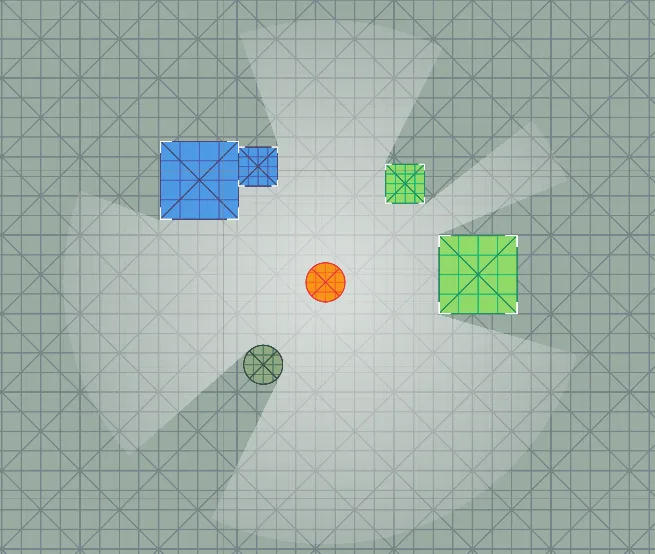
Everything happens in the XY plane. Obstacles are 2D colliders, and the Z position is ignored for vision.
The look direction is one of the object's local axes, set with Looks Along: Up (default), Right, Down or Left. Pick the side your sprite faces. Rotating the object around Z turns the view.
3D
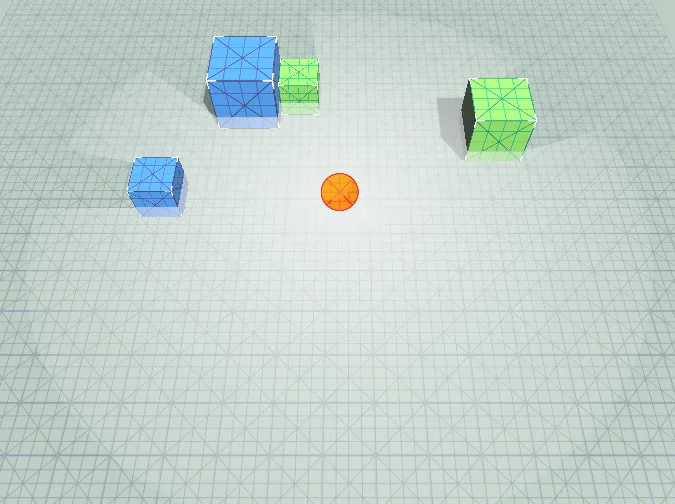
Vision is computed on the XZ ground plane at the height of the source, which is the height of its eyes. Each 3D collider is cut by a horizontal plane at that height, and the outline of the cut is what blocks the view. As a result:
- an obstacle that is entirely below or above the eyes does not block. A low fence or a table does not hide the player from a standing guard;
- an object with a different eye height sees over different obstacles. Move the eyes down to make a crouching character's view blocked by low cover.
The source looks along the object's forward axis (the blue arrow). Only the horizontal part of the direction is used, so tilting the eyes up or down does not change the view.
The visible area is flat, so the components that draw it are flat too:
- Vision Cone Renderer draws the cone at its own object's height. Put it on a child at floor level.
- Fog Of War in Flat display lies at its own object's height. On geometry display covers walls and props at any height instead.
2D Isometric
For isometric tilemap games. Sprites and colliders stay in XY, the same as in 2D, but the screen shows the ground squashed vertically. A tile that is square on the ground is twice as wide as tall on a common 2:1 grid. This mode measures range and angles on the ground:
- a 360° view of range 5 looks like an ellipse on screen, matching the tiles;
- Looks Along is a screen direction, turned into the ground direction it shows;
- colliders are read on screen and stretched onto the ground.
The proportions come from the Grid of your isometric tilemap: assign it to Isometric Grid, and its Cell Size is used. Without a grid, enter Tile Size (W × H), the same numbers as the Grid's Cell Size (1 × 0.5 for a 2:1 grid). If the scene has an isometric grid, the Inspector offers Use Grid.
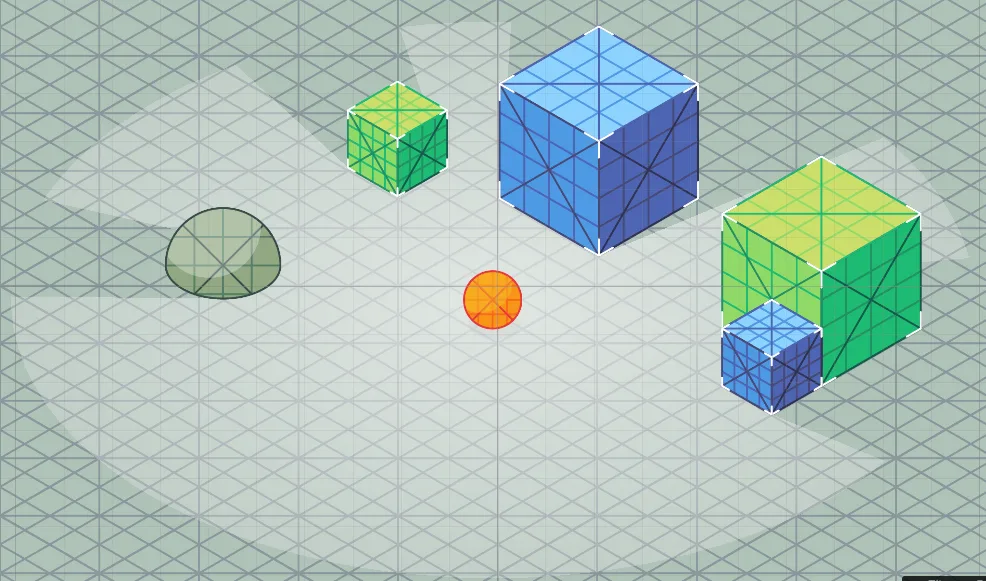
The cone lies on the ground, so it has to be drawn below walls, props and characters but above the floor. See Vision Cone Renderer.
What must match
A Fog Of War is revealed only by Vision Sources of the same mode and team. The Fog Of War Inspector warns you if no source matches. Vision Perception, Vision Target and Fog Hider follow the mode of the sources they work with and have no mode setting of their own.