
Benchmarks
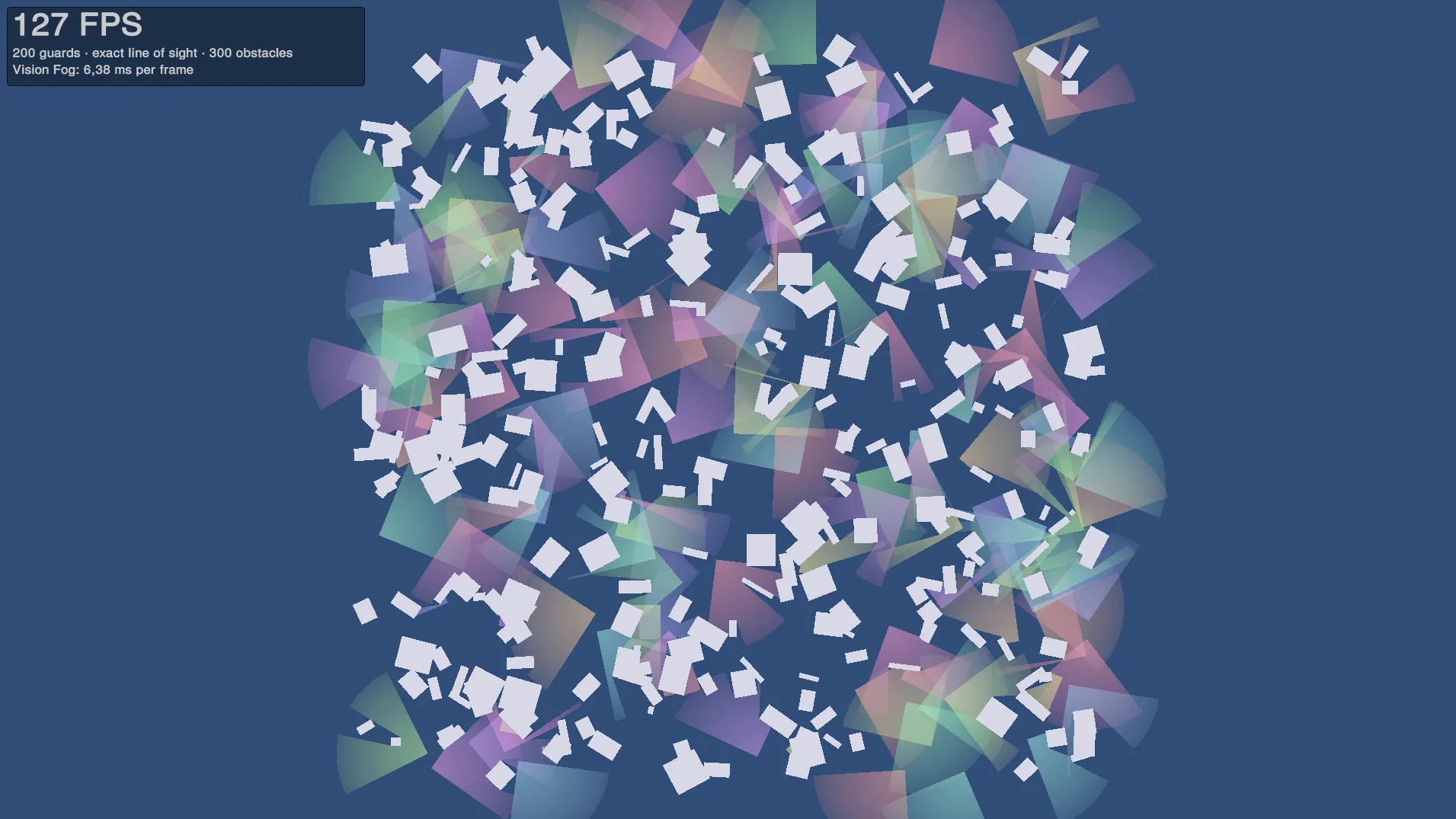
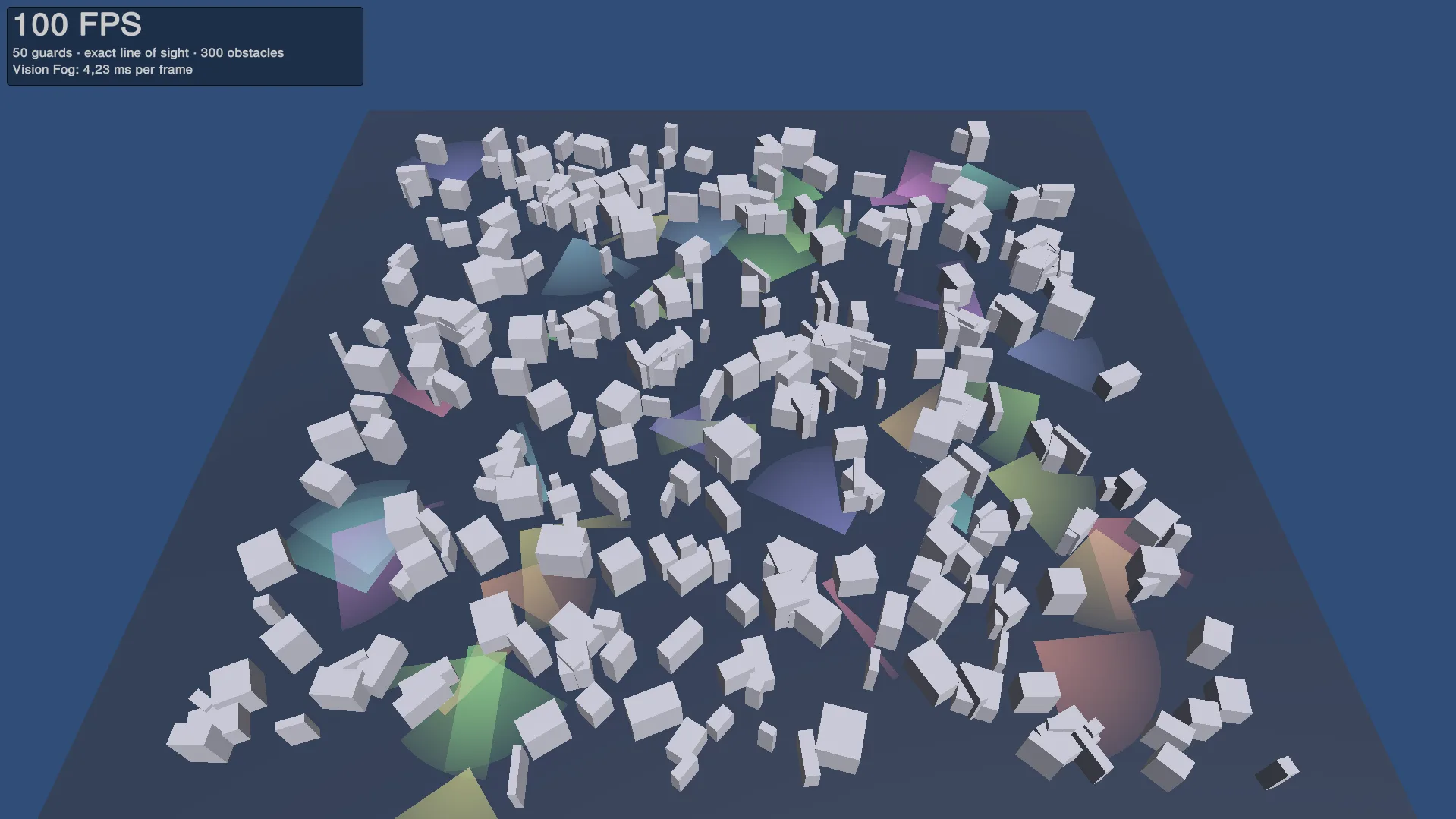
The package includes two stress tests that spawn many wandering vision sources among random obstacles and show how long Vision Fog takes per frame:
| Component | Scene |
|---|---|
| Vision Benchmark 2D | Sources and boxes in the XY plane, Physics 2D |
| Vision Benchmark 3D | Sources walking on the ground between boxes, Physics 3D, vision cut at eye height |
To run one, open the benchmark scene, or add the component to an empty object in an empty scene, and press Play. Everything is created at start. All settings are in the Inspector and can be changed while playing.
Scenarios
| Scenario | What it tests |
|---|---|
| Line Of Sight | Guards with cones blocked by walls: the full cost of exact vision |
| Revealers | Circles that ignore walls (Blocked By = Nothing), like RTS units revealing the map |
Settings
| Setting | Default | Description |
|---|---|---|
| Scenario | Line Of Sight | See above |
| Line Of Sight Count | 50(3d), 200(2d) | Number of sources in the Line Of Sight scenario |
| Revealer Count | 500 | Number of sources in the Revealers scenario |
| Obstacle Count | 300 | Number of random boxes |
| Area Size | 80 | Size of the square area, in world units |
| Seed | 1 | Random seed, so runs can be compared |
| Radius | 10 | Range of the line-of-sight sources |
| Field Of View | 90 | Opening angle of the line-of-sight sources |
| Revealer Radius | 5 | Range of the revealers |
| Move Speed, Turn Speed | 4, 120 | How the sources wander. Moving sources are the worst case, because nothing can be reused |
| Draw Cones | On | Draw a cone for each source |
| Fog Of War | Off | Create a fog revealed by all sources |
| Update Interval | 0 | Seconds between updates of each source. 0 = every source every frame, the worst case. Games usually use 0.1 to 0.2 for most sources |
| Use Jobs | On | Off runs everything on the main thread without Burst, for comparison |
| Use Segment Cache | On | Off reads every collider again in every update, for comparison |
| Overlap Gather And Solve | On | Off starts the solves only after all obstacles are gathered, for comparison |
| Show Details | Off | Shows the timing breakdown on screen |
The 3D benchmark has one more setting, Eye Height. The boxes are always taller than the eyes, so all of them block.
Reading the results
The box in the top left corner shows:
- FPS, averaged over a few seconds;
- the scene: number of sources, scenario, number of obstacles;
- Vision Fog: … ms per frame: the main-thread time of the whole vision update, averaged.
With Show Details on, it also shows how many sources were updated per frame, how many obstacle edges and outline points each one had, the time of each part (gather with physics and collider checks, starting jobs, waiting for jobs, meshes), and the worst frame.
In the Editor, a yellow warning lists checks that slow Vision Fog down, such as Burst safety checks or the Jobs Debugger. They do not exist in builds.
Our results
| Test | Platform | Result |
|---|---|---|
| 2D, Line Of Sight, 200 sources, 300 obstacles, every frame | Linux build, laptop with Intel Core i5-XXXXX | 127 FPS, Vision Fog 6.4 ms per frame |
Your numbers depend on the CPU, the number of cores and the scene. Run the benchmark on your target hardware, and change the counts and the update interval to match your game.